I have decided to start over.
Not completely, of course. I am not throwing away every theory, deleting my notes, or pretending the past year never happened. Instead, I am going back to the basics and reviewing some of the earliest material from the hunt. There may be details I missed, forgot about, or dismissed too quickly.
The early days were a mad dash, so I am sure there are more than a few things worth revisiting. At the very least, it could fill my weekend with something other than Plex or Fallout 4.
Naturally, the first place I went was the website.
What I found was humorous, informative, and perhaps even confirmatory.
The Anoucements Page
“When ya don’t know where to start, go back to the beginnin’.”
—Great-Grandpa Alphonse
I visited the announcements page and started at the beginning: page five.
The first update on the announcements page is dated March 31, 2025. It answers some of the most commonly asked questions from the early days of the hunt.
Source: https://treasure.quest/en/announcements/?page=5
The answer to the second question caught my attention.
Some people are saying they are finding code in the website. Is that necessary?
That sounds like fun, but no, there are no hidden codes in the website code that would require advanced knowledge.
Because this response was written rather than spoken, I think it deserves a little more scrutiny. There was time to consider the wording before publishing it. In my view, the same principle applies to Justin’s other written responses.
The final phrase—“that would require advanced knowledge”—was particularly interesting. It is not saying there is nothing…
So, naturally, I dove into the code.
I could not help myself. I am a software engineer, after all, and this is a treasure hunt. I had looked through parts of the site before, but this time I wanted the full picture. I wanted to see how everything worked.
They say you can tell a lot about a man by his shoes. Over the years, I have developed a sixth sense for telling a lot about developers through their code.
Every developer leaves fingerprints behind: patterns in how they structure a project, name variables, organize logic, and navigate the strange world of conditional statements.
I reviewed the site’s network traffic and inspected each dynamically loaded file line by line.
Dynamically loading files is an older tactic sometimes used to make automated content scraping more difficult. It is not necessarily intended to hide anything from human visitors, but it can frustrate simple bots and command-line tools that expect everything to appear in the original HTML source.
It also raises the barrier slightly for anyone casually browsing the source code.
To my surprise, I found a few things that appeared to be worth the effort.
The Findings
1. Getting Rickrolled
There is a snippet of code that establishes a time on April 2, 2026, followed by a 15-minute countdown. When the countdown reaches zero, the site requests data from a JSON endpoint. If that JSON file contains a URL, the browser redirects to it.
const E = new Date("2026-04-02T06:59:50Z").getTime();
const W = E + 900000;
....
e.useEffect(( () => {a && !o && fetch("/r.json").then((e => e.json())).then((e => {e?.url && (window.location.href = e.url)
The request uses a relative URI. Visiting the following address:
It presents this JSON:
{
"url": "https://www.youtube.com/watch?v=dQw4w9WgXcQ"
}
That is the address the browser would use once the countdown reached zero.
Upon visiting the link, I yelled, “Touché. You got me.”
For anyone who does not recognize the joke, that is perfectly fine.
Developers occasionally play pranks on one another, and this one is an all-time classic. It is a bait-and-switch meme that lands you directly on Rick Astley’s 1987 music video for “Never Gonna Give You Up.”
In other words, the website contains the machinery for a scheduled Rickroll.
2. A Genuine Find: North, East, South, and West
Now this is a good find.
Since the beginning of the Beyond the Map’s Edge hunt, I have seen more conversations than I can count about who represents each cardinal direction on Justin’s personal compass. Entire Discord channels have been consumed by debates over North, East, South, and West.
What I found may be the strongest technical evidence yet for how those directions correspond to the four people shown on the website.
Some people may be pleased by the result. Others may be disappointed. Either way, please be respectful.
This discovery probably deserves its own blog post—no joke—but I will touch on it briefly here.
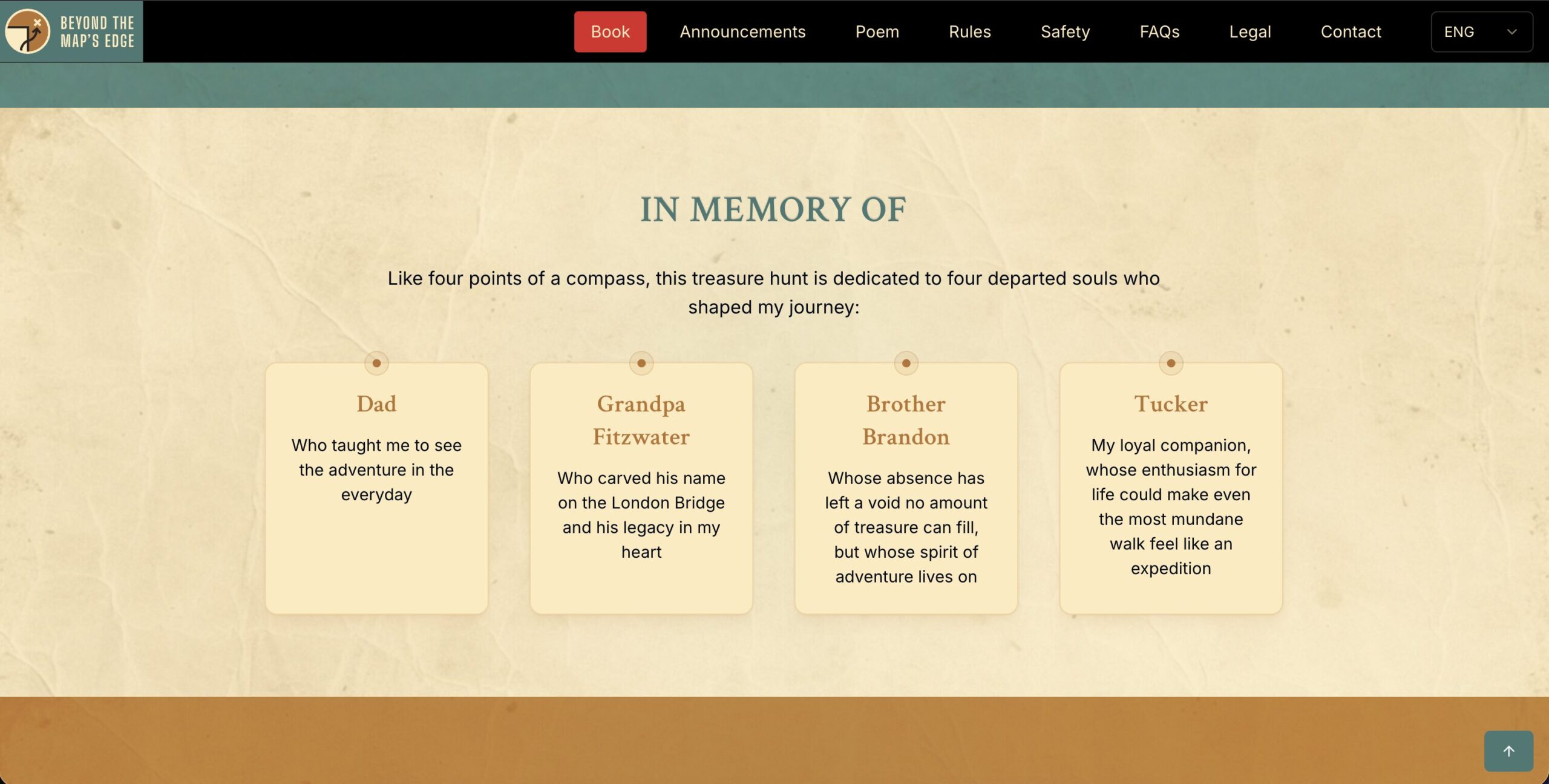
On the main page of https://treasure.quest/, there is an “In Memory” section dedicated to four people who shaped Justin’s journey:
- Dad
- Grandpa Fitzwater
- Brother Brandon
- Tucker
This section has inspired considerable debate about who represents each cardinal direction.
Some hunters have developed detailed arguments and theories. Others have simply assigned the directions according to the order in which the four names appear on the website, moving from left to right:
North, East, South, West.
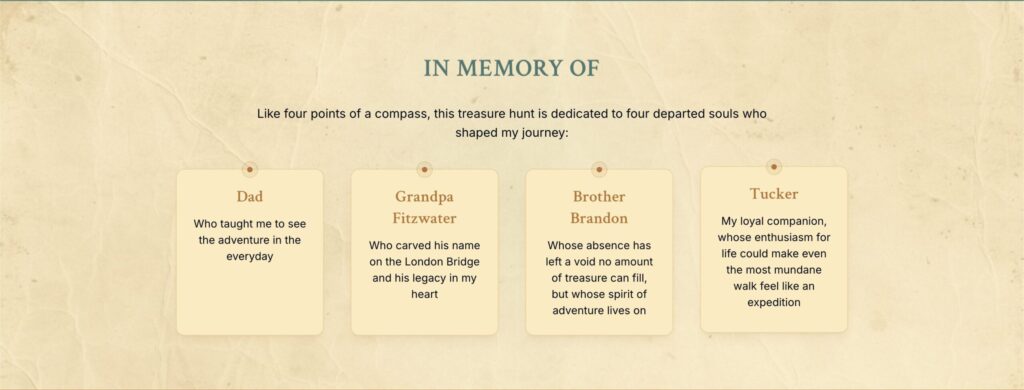
The underlying code appears to support that second interpretation.
Hidden inside the dynamically loaded JavaScript is a sequence that controls a subtle animation. The animation is triggered when approximately 30 percent of the section enters the viewport.
The following code assigns each displayed item a direction according to its index:
const direction = ["north", "east", "south", "west"][index] || "north";

<div
    className={classNames(
        "bg-cream border border-earth/20 p-6 rounded-xl shadow-lg text-center relative transform transition-all duration-500",
        "hover:-translate-y-1",
        activeDirection === direction
            ? "ring-2 ring-earth ring-opacity-50 shadow-glow"
            : ""
    )}
    style={{
        boxShadow:
            activeDirection === direction
                ? "0 0 25px 5px rgba(184, 116, 46, 0.25), 0 4px 6px -4px rgba(184, 116, 46, 0.1), 0 0 0 1px rgba(184, 116, 46, 0.05)"
                : "0 10px 15px -3px rgba(184, 116, 46, 0.1), 0 4px 6px -4px rgba(184, 116, 46, 0.1), 0 0 0 1px rgba(184, 116, 46, 0.05)",
    }}
>
Code setting the values
e.useEffect(( () => {
    if (!l)
        return;

    const e = [
        ["north", 3e3],
        ["east", 7e3],
        ["south", 11e3],
        ["west", 14500]
    ];

    const t = e.map(( ([e,t]) =>
        setTimeout(( () => o(e)), t)
    ));

    const r = e.map(( ([e,t]) =>
        setTimeout(( () => {
            a === e && o(null)
        }), t + 1e3)
    ));

    return () => {
        t.forEach((e => clearTimeout(e))),
        r.forEach((e => clearTimeout(e)))
    }
}), [l, a]);
Taken together, the code indicates that the four memorial entries are deliberately assigned cardinal directions in their displayed order:
- North = Dad
- East = Grandpa Fitzwater
- South = Brother Brandon
- West = Tucker
This mapping is not visible in the original HTML source. The relevant logic exists inside the dynamically loaded JavaScript and is expressed through variables and animation behavior.
For anyone interested in the timing, the sequence is:
const sequence = [
        ["north", 3000],
        ["east", 7000],
        ["south", 11000],
        ["west", 14500],
    ];
Once triggered, each memorial entry should animate at 3 seconds, 7 seconds, 11 seconds, and 14.5 seconds, respectively.
After examining the code further, however, I suspect there may be a bug preventing the animation from working as intended. I can see and verify the underlying logic, but I cannot reproduce the visual animation in my browser.
A bug in the state looks to be reseting the timer causing it to never start.
Perhaps that is simply a happy accident.
Or perhaps it is intentional.
Conclusion
I found both of these things in a fraction of the time it took me to write this blog post. There may be more surprises hidden in the website’s code, but for now, I am off to lunch.
At the very least, I came away with a good laugh and one genuinely solid find.
Additional Content: July 11, 2026 3:11PM ET
If you want to see what the cards were intended to do.
- Scroll down to the dedication section so you see the people.
- Open Inspector in your browser
- Click on Console.
- Enter the following into the console window and press enter.
const cards = [
    ...document.querySelectorAll(
        "section .grid.md\\:grid-cols-2.lg\\:grid-cols-4 > div"
    )
];

const sequence = [
    [0, 3000],
    [1, 7000],
    [2, 11000],
    [3, 14500]
];

sequence.forEach(([index, delay]) => {
    setTimeout(() => {
        cards[index].style.boxShadow =
            "0 0 25px 5px rgba(184, 116, 46, 0.25)";
        cards[index].style.outline =
            "2px solid rgba(184, 116, 46, 0.5)";

        setTimeout(() => {
            cards[index].style.boxShadow = "";
            cards[index].style.outline = "";
        }, 1000);
    }, delay);
});
This will animate the boxes in the order and the styles that the code is supposed to do it.
I like the way you think. Let me know if you ever want to stack heads together! I don’t think Fitz is East… at least not alone… but Grandpa may be.
Before uncovering the naming convention written by Justin himself, I had only one of them in the correct position that I was confident in.
Honestly, I never put much stock in this compass logic, but maybe it is time to explore the idea further. This is the most concrete evidence I have seen.
Some people had already made this assumption, but this discovery sets it in sandstone for me.
Happy hunting, and good luck!
This discord used found that last year. But people don’t talk about it enough, in my opinion. Great post.
True, and kudos to them! This post is actually pretty old. I just reworked it and published it to share.
If you carefully read Justin’s response, he says there are “no hidden codes.” The material on the site is simply source code he wrote. While both use the word “code,” in our line of work, “codes” and “code” mean a very different thing.
Viewing source code is not advanced at all. Understanding it may be, but it is written in plain English for anyone to see.
It does force you to think. Or perhaps rethink.
“Embark on this journey with the spirit of Tucker wagging his tail at the sheer possibility of it all, my father’s wisdom as a guiding light, my grandfather’s resilience, and with my brother’s sense of wonder as your compass.”
Justin, thanks for another informative post! I must profess that I’d probably have more success fending off a bear with a frying pan, than uncovering directional clues in the website’s code. Thus, if this information is at all useful – it would definitely help move me along to smoother terrain and greener pastures.
It appears the directional order (North to East to South to West) would form a box if using exact directional headings and lengths [ ]. Do you think this is a nod to some form of loop that must be performed before the treasure is finally revealed? Thanks again.
Hi Tom,
The loop concept is interesting. The question is, indeed, what do we do with the information… and when.
Thanks for the comment!